Ownership guide
Robot Mower Batteries, Charging and Dock Placement
Charging setup brings battery planning, dock placement, and signal conditions together. The practical questions are where the dock sits, how the mower returns, and what the model requires.
Planning checklist
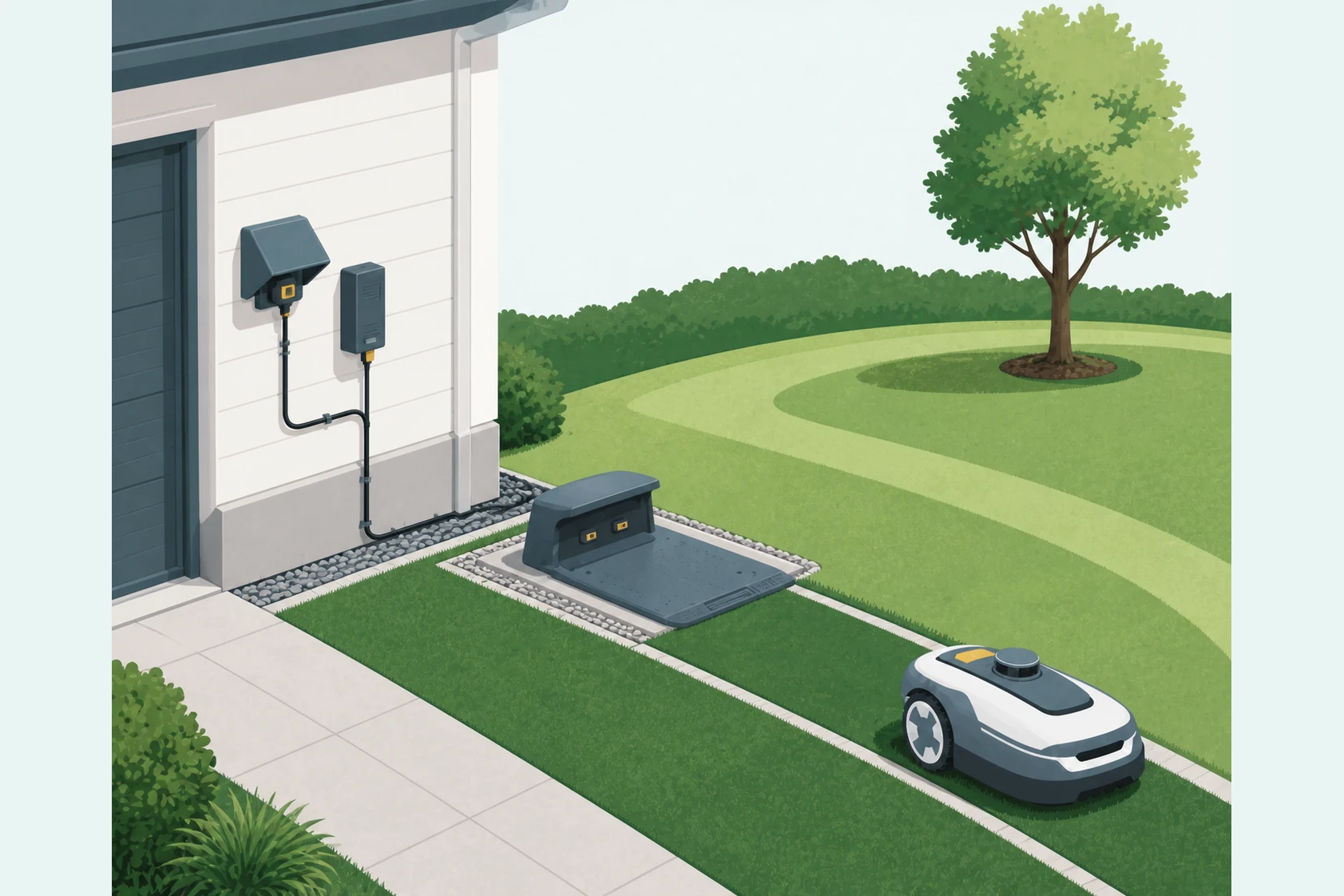
Plan the dock before setup day. The most useful planning questions are physical first: where the station sits, how the mower approaches it, whether the power route is clean, and whether the property gives the positioning system enough sky view to do its job.
- Pick a flat, stable place that keeps the dock aligned with the mower’s return path.
- Check sky view and the surrounding tree and structure pattern before assuming a wire-free mower will be carefree there.
- Separate battery-size questions from recharge-time questions; current official sources do not always publish both.
Battery and charging terms
Battery capacity, runtime, and charging time are separate facts. A published runtime number does not fill in a missing battery-capacity figure, and a published charging time does not prove the same real-world daily output on every lawn.
The official materials reviewed for this guide are stronger on Navimow X430 battery and charging figures than they are on the exact LUBA 3 AWD 3000H battery-capacity and recharge-time figures. This guide keeps that difference visible.
Dock placement and return paths
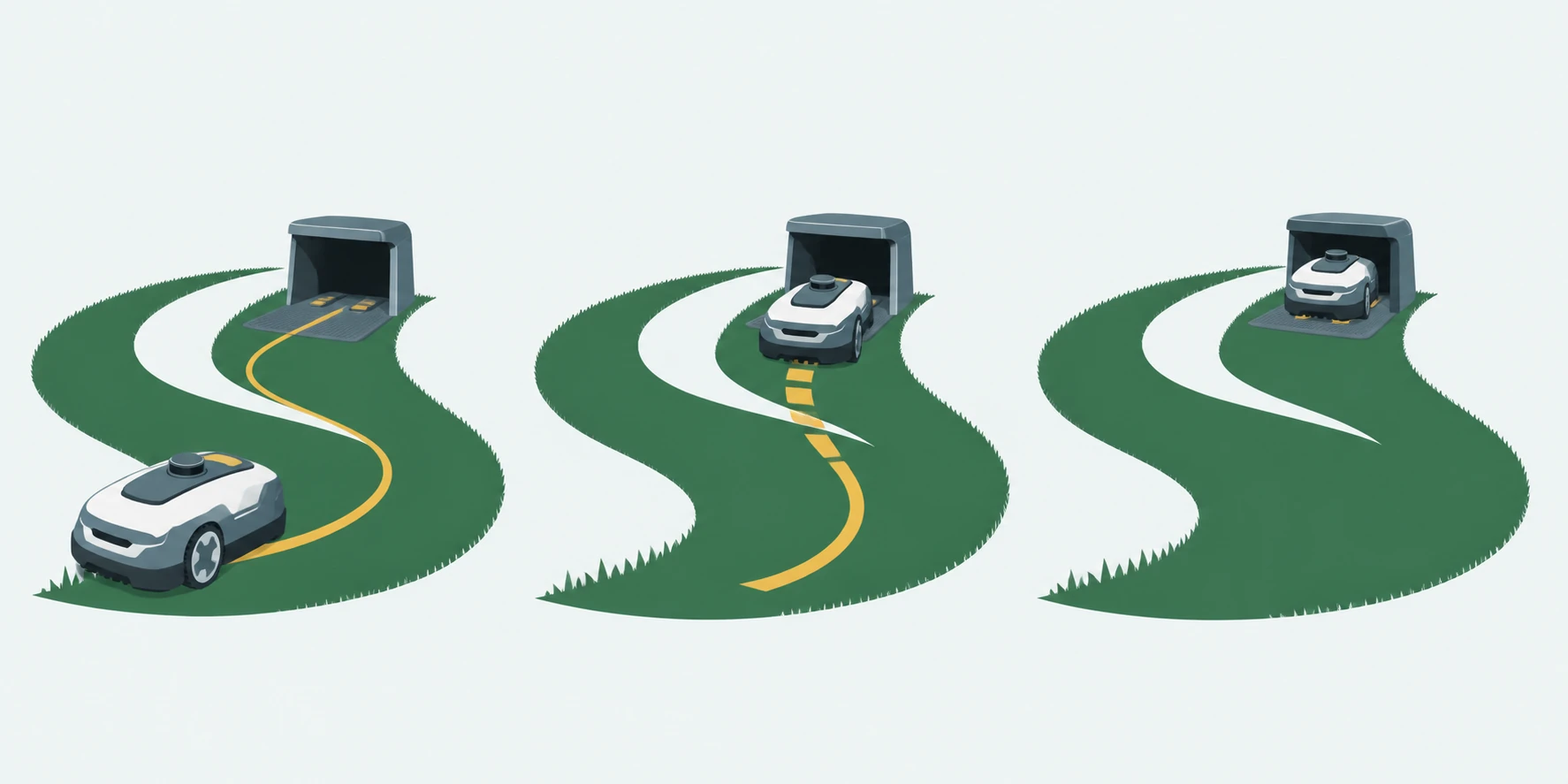
A dock is not just a power point. It is a routing checkpoint. The mower has to re-enter the dock reliably and leave it cleanly, which is why approach space, surface stability, sky view, and nearby antenna rules belong in one planning pass.
Shelter decisions belong here too. A garage or shelter can protect the dock area, but it should not be treated as a substitute for the manufacturer’s placement and signal requirements.
| Field | Mammotion LUBA 3 AWD 3000H | Segway Navimow X430 |
|---|---|---|
| Published battery capacity | Current official sources do not publish a confirmed 3000H battery-capacity figure. | Official US manual lists 12.8 Ah / 276 Wh. |
| Published runtime | Current product page says up to 215 minutes per charge, without a full operating-condition breakdown. | The official X430 materials reviewed for this guide do not use a published runtime number as the main charging reference. |
| Published charging time | Current official sources do not publish a confirmed full recharge time for 3000H. | Official US material says no more than 90 minutes from 10-100 percent at 77 degrees Fahrenheit. |
| Dock surface and approach | Official charging guidance calls for flat, stable placement, secure mounting, and a docking test. | Official manual calls for level soft ground with an unobstructed sky nearby. |
| Sky view and positioning | Open sky matters for the charging station and the RTK-based positioning path. | Network RTK can avoid a local antenna where supported, but Local RTK still uses a GNSS antenna and moving it later requires a new map. |
| Return-path planning | The dock needs a clean return path and verification through an actual docking test. | The dock position should also respect antenna placement when Local RTK is in use. |
Service and subscription facts
Ongoing service terms affect charging and return planning because a mower that depends on correction coverage or remote features should be understood as an ongoing setup system, not a one-day install.
- Mammotion’s current terms describe three years of included 4G data, then subscription renewal, with unresolved detail around remote iNavi use after that point.
- Navimow’s current terms separate free Network RTK where supported from one year of included Connect+ on X430.
- No electricity-cost estimate is published here because the manufacturer documentation reviewed for this guide does not support one.
- Return to the robot mower buyer’s guide.
- Use the lawn assessment to choose dock candidates.
- See the LUBA 3 guide for the exact 3000H package choices and family differences.
- See the standalone Navimow X430 guide.
- See the X430 comparison for a matched mower-to-mower view.
- See the navigation guide for the broader RTK, LiDAR, and vision context.
Sources
Official sources
These links point to the manufacturer or support sources used for the page.
- LUBA 3 AWD robot lawn mower
Current US product page covering coverage tiers, variant labels, navigation claims, included hardware, and family FAQs.
- LUBA 3 AWD Series User Manual - EN
Official support entry for the current LUBA 3 AWD series user manual.
- Mammotion charging station installation guide
Official charging-station setup guidance covering flat placement, clearances, sky view, secure mounting, and docking tests.
- Mammotion 4G service terms
Official service terms for built-in 4G data and iNavi eligibility.
- Navimow X4 robot lawn mower
Current US X4 product page covering X430, X450, navigation, slope, included hardware, and Connect+ terms.
- Navimow X4 Series US user manual
Official US user manual with battery, charging, dimensions, sensors, and dock guidance for X4 series.
- Navimow limited warranty policy
Official US limited warranty covering X430 and X450 with separate battery-pack and power-adapter terms.